
Create better cinematic prompts for AI video tools
Use camera movement, subject motion, pacing, and environmental detail more deliberately so your AI video prompts feel more controlled and cinematic.
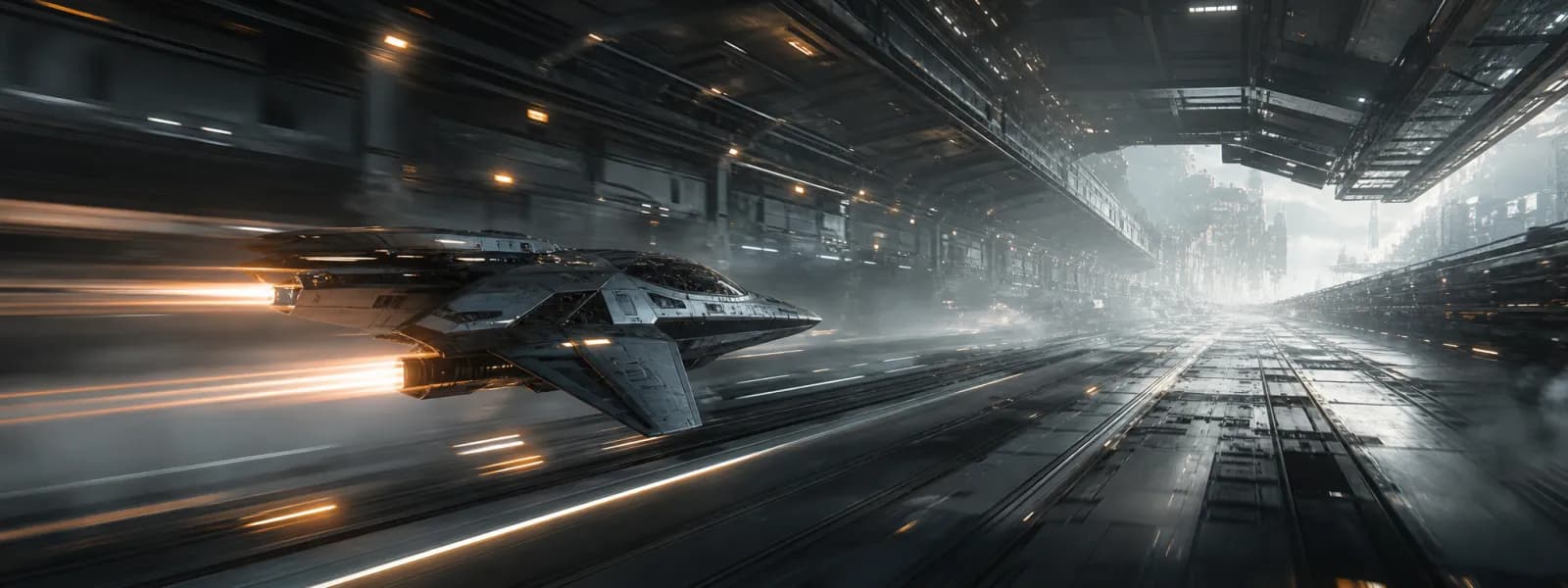
Cinematic prompting is more than scene description
Most weak video prompts describe only what the viewer should see. Stronger cinematic prompts also describe how the camera should behave, how the environment should react, and how the motion should feel over time. This is the difference between a static visual idea and a shot concept.
When users ignore movement language, AI video tools often invent generic animation. The result may still be impressive, but it usually feels random rather than directed. A better workflow introduces shot design: pace, path, energy, focus, and visual emphasis.
Start with one scene and one motion idea
A common mistake is overloading the prompt with multiple camera moves, scene changes, and emotional beats. AI video tools respond better when the prompt has a single clear moment. Define the subject, define the location, and choose one dominant movement pattern. For example: slow orbit, forward tracking shot, low-angle push-in, overhead descent, or fast lateral follow.
Once that foundation is clear, add secondary details such as lighting changes, atmospheric motion, or background parallax. This creates a hierarchy inside the prompt, which makes the output easier for the model to interpret.
- Choose one dominant camera behavior
- Keep the scene consistent unless transitions are essential
- Describe motion in film language, not only visual nouns
Add motion, environment, and mood as separate layers
The most useful structure for cinematic prompting is layered. First define camera movement. Second define subject action. Third define environmental response. Fourth define lighting and mood. This produces prompts that feel directed instead of improvised.
For example, a futuristic city prompt becomes much stronger when you separate these layers: the camera glides low through the street, the vehicle accelerates past wet reflective surfaces, vapor and neon signage streak across the frame, and the scene carries a high-speed industrial mood with cold highlights and warm accent reflections.
Why a specialized video prompt tool matters
Video generation models reward precision. A specialized prompt workflow helps users convert vague concepts into structured cinematic language without forcing them to become filmmakers overnight. That is especially helpful for marketers, designers, founders, and creators who want to communicate movement more clearly.
RONEAT Digital uses a dedicated video prompt workflow so users can define motion, scene details, subject behavior, negative prompting, and general mood in a more organized way. That structure improves both creative confidence and output reliability.